Image upload and capture
Upload an image or take a snapshot, then check the preview.

CONSULTATION & CARE
SightIQ
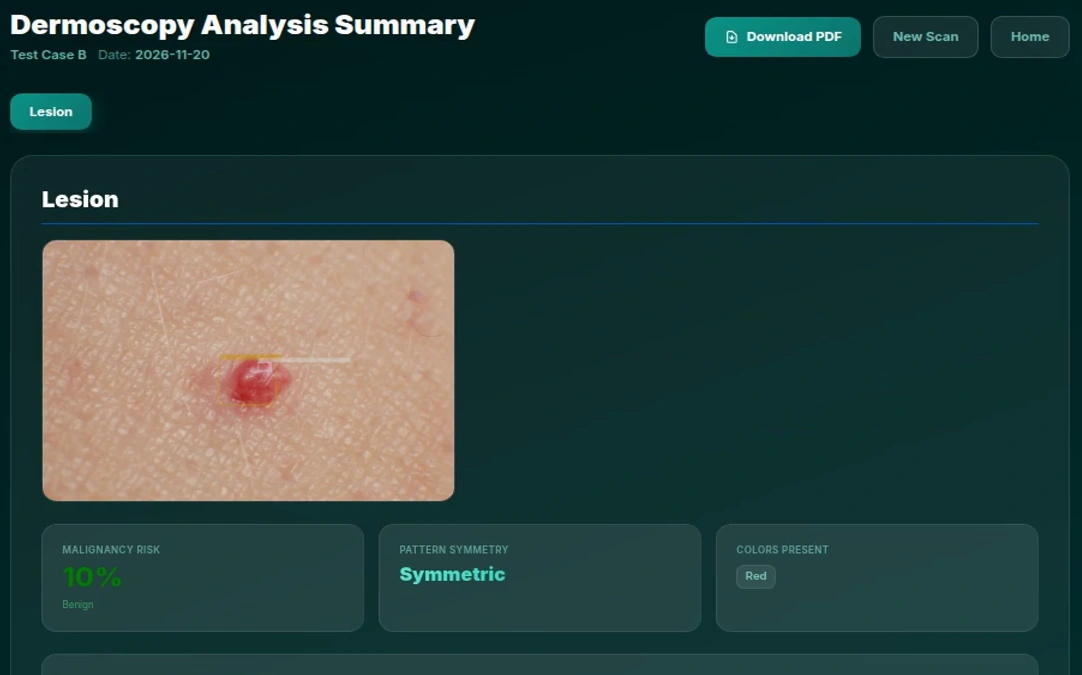
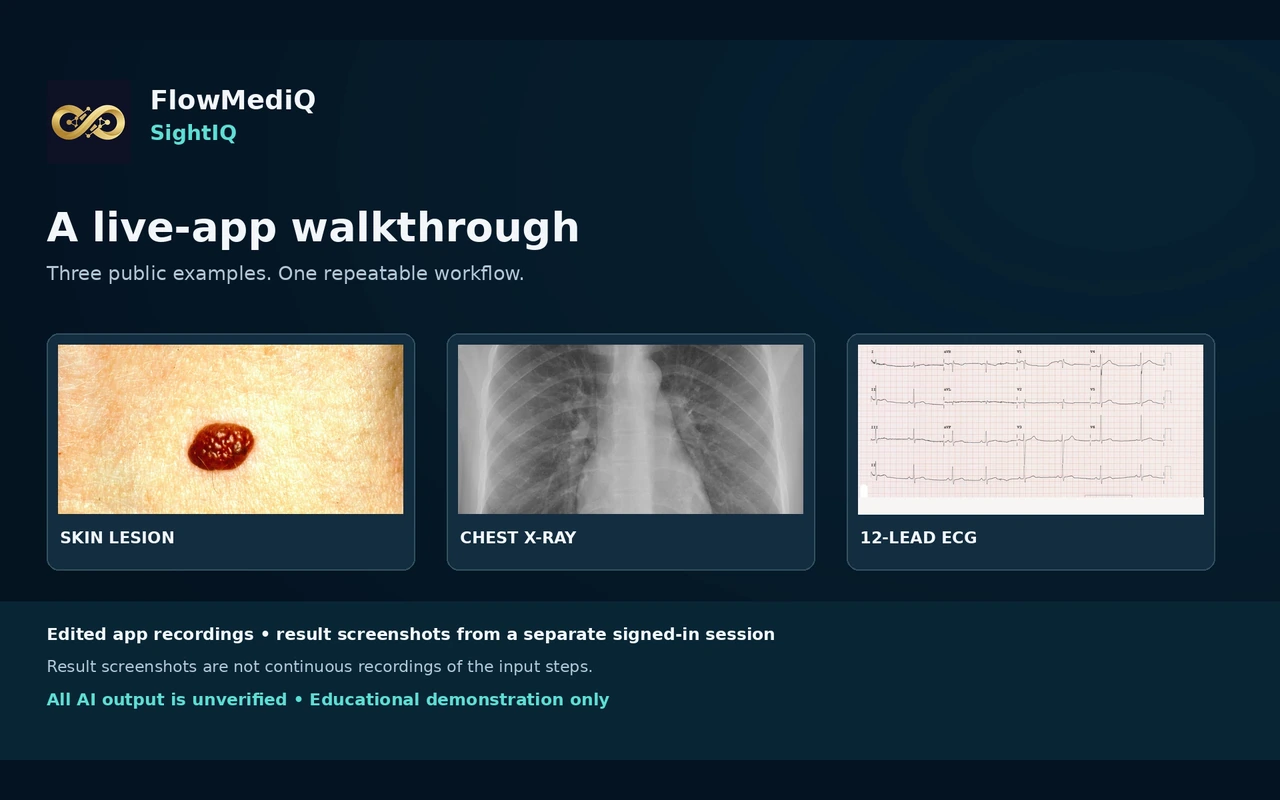
See how SightIQ handles a skin lesion, a chest X-ray and a 12-lead ECG. Select a specialty, add the available clinical context and review the AI-generated findings.
Dermatology · Radiology · Cardiology
WHAT YOU CAN EXPLORE
From the first input to the patient conversation, understand the role of each capability.
Upload an image or take a snapshot, then check the preview.
Choose a specialty and enter any case details available for the review.
Read the proposed interpretation and its explanation alongside suggested alternatives and red flags.
Compare the output with the source image and use clinical judgment to decide what needs follow-up.
SEE THE APPLICATION IN ACTION
A recorded SightIQ demonstration. Pause, replay and expand the video to inspect the interface.
THE CONSULTATION JOURNEY
Explore the sequence. The clinician reviews the information before it becomes a patient recommendation or record.
STEP 01
Upload the file or take a snapshot and check the preview.
Workflow illustration · explore the current application in a personal demonstration.
A CLOSER LOOK
Stills extracted from the original application recording. Select an image to inspect it at a larger size.
WHAT THE CONVERSATION LEAVES BEHIND
The walkthrough uses public examples and result screens from a separate signed-in session. The AI interpretations shown are unverified and require clinical review.
SIGHTIQ · OUTPUTS
Review generated findings, estimates and documentation before sharing them with a patient.
MAKE IT PART OF YOUR PRACTICE
Explore this application as part of your clinic’s software workflow. Choose one of the subscription packages below that includes this application.
MONTHLY SOFTWARE PACKAGES
From $499.00/month USD
Confirm team access and usage allowances before subscribing.
Already a member? Open the suiteCONNECTED CONVERSATIONS