One starting photo
Upload a front, top or scalp view and use the same image to compare treatment paths.

HAIR & RESTORATION
Hair Studio 360
Set graft targets for a transplant, explore a nine-month non-surgical projection, or combine both in a hybrid plan. Review all three previews beside the original photo with the patient.
Hair restoration clinics · Transplant consultations · Non-surgical hair practices
WHAT YOU CAN EXPLORE
From the first input to the patient conversation, understand the role of each capability.
Upload a front, top or scalp view and use the same image to compare treatment paths.
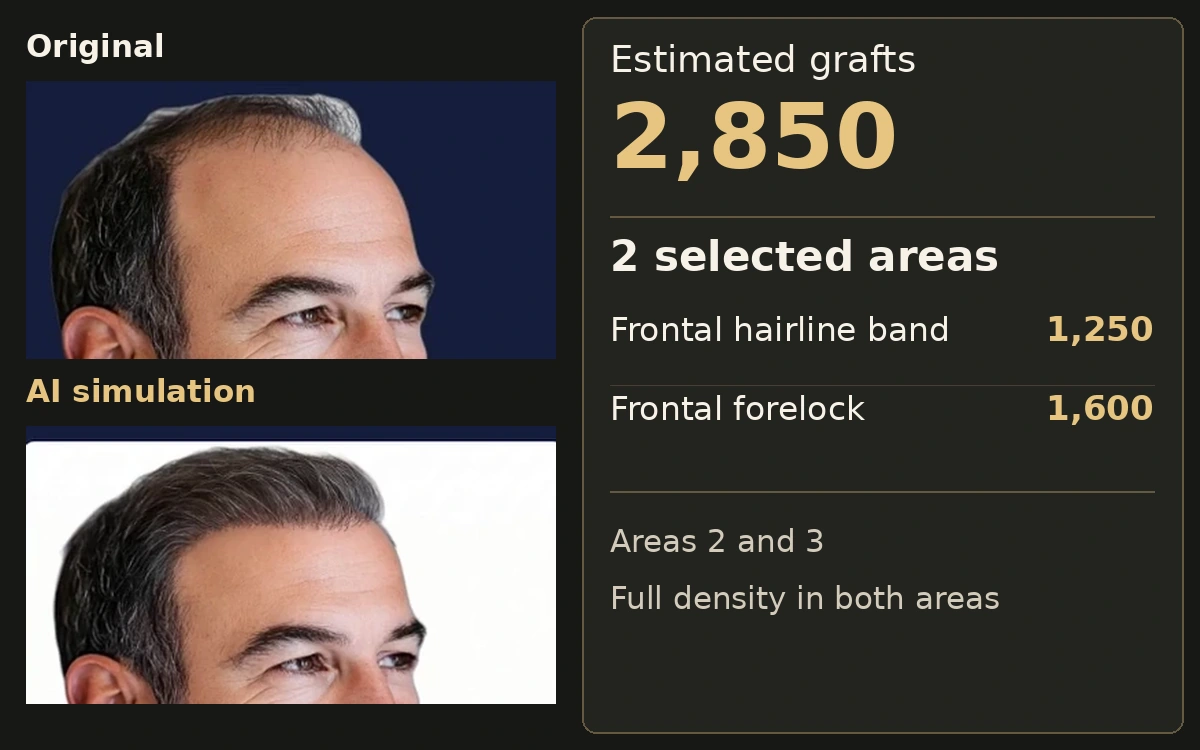
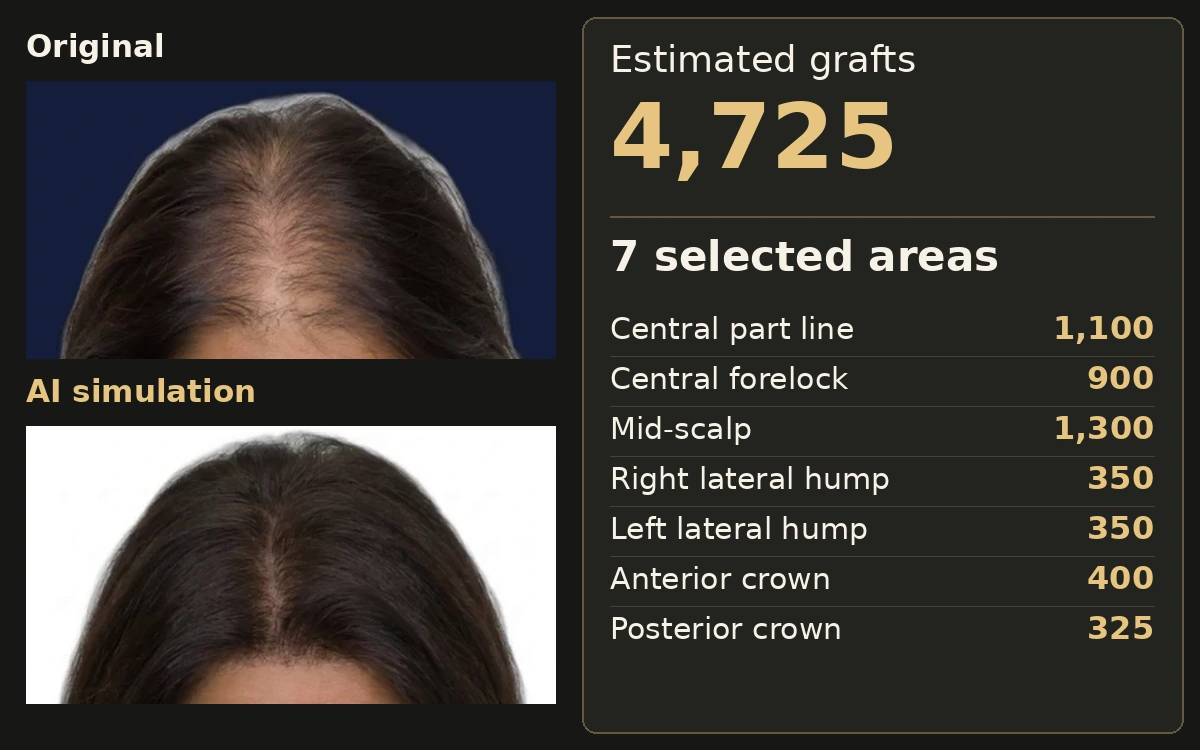
Select surgical zones and choose a density for each. Review the estimated graft count before generating the transplant preview.
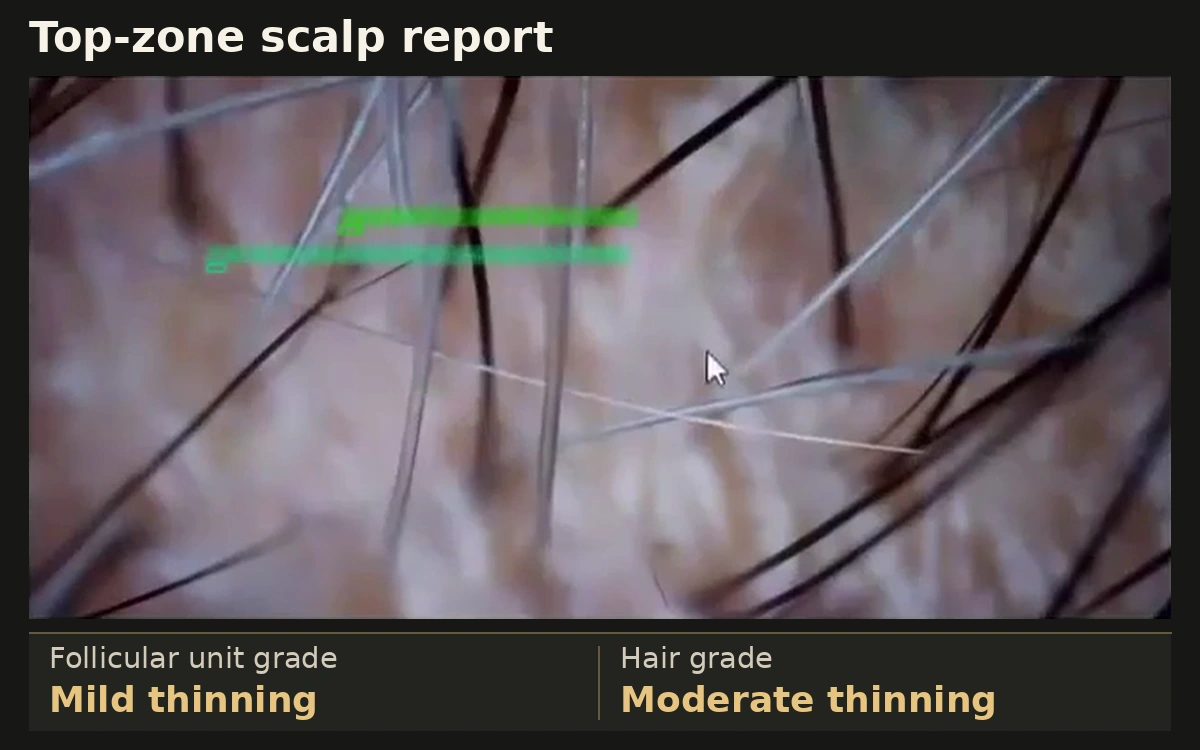
Choose a protocol and set baseline density, shaft diameter and the visible thinning area to model a change in existing hair.
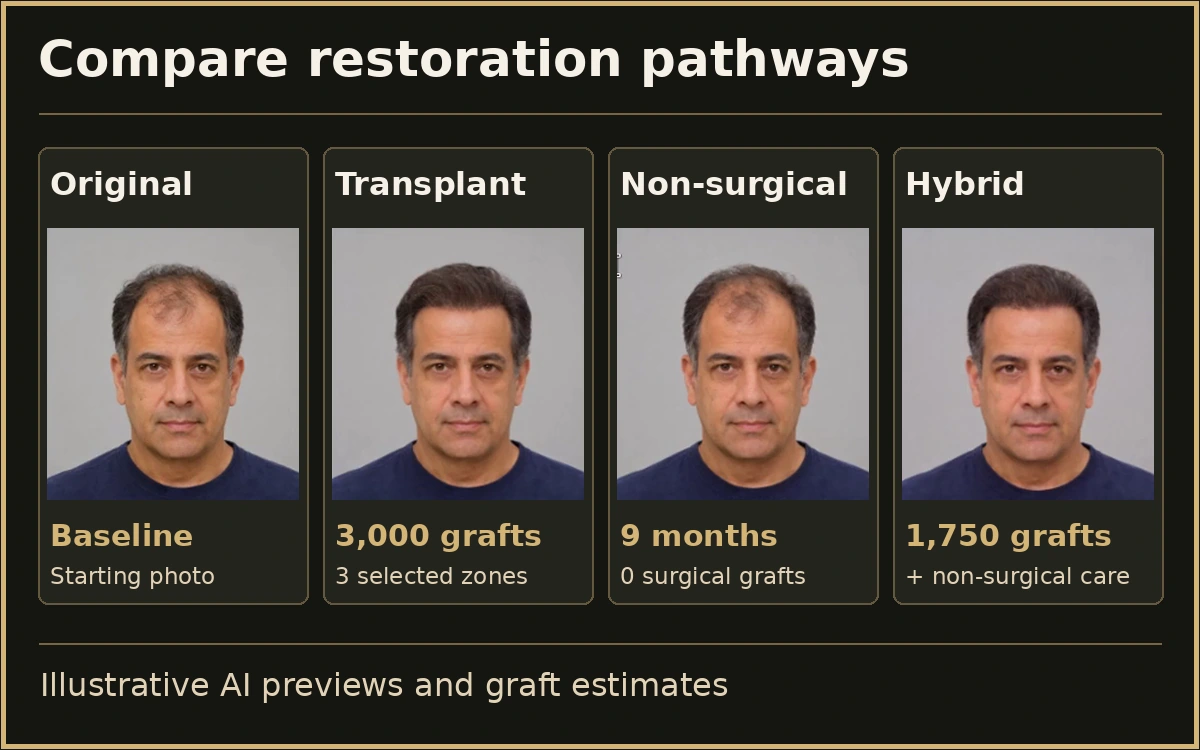
Select zones for surgery and model non-surgical care for existing hair. The plan shows surgical grafts and projected hair changes separately.
View the original photo beside the transplant, non-surgical and hybrid previews. Revisit a pathway to adjust its settings and regenerate the image.
SEE THE APPLICATION IN ACTION
A recorded Hair Studio 360 demonstration. Pause, replay and expand the video to inspect the interface.
THE CONSULTATION JOURNEY
Explore the sequence. The clinician reviews the information before it becomes a patient recommendation or record.
STEP 01
Choose a clear photo showing the area under discussion.
Workflow illustration · explore the current application in a personal demonstration.
A CLOSER LOOK
Stills extracted from the original application recording. Select an image to inspect it at a larger size.
WHAT THE CONVERSATION LEAVES BEHIND
The walkthrough uses one example to illustrate planning estimates. A clinician reviews the assumptions and discusses how individual results may vary.
HAIR STUDIO 360 · OUTPUTS
Review generated findings, estimates and documentation before sharing them with a patient.
MAKE IT PART OF YOUR PRACTICE
Explore this application as part of your clinic’s software workflow. Choose one of the subscription packages below that includes this application.
MONTHLY SOFTWARE PACKAGES
From $499.00/month USD
Confirm team access and usage allowances before subscribing.
Already a member? Open the suiteCONNECTED CONVERSATIONS